
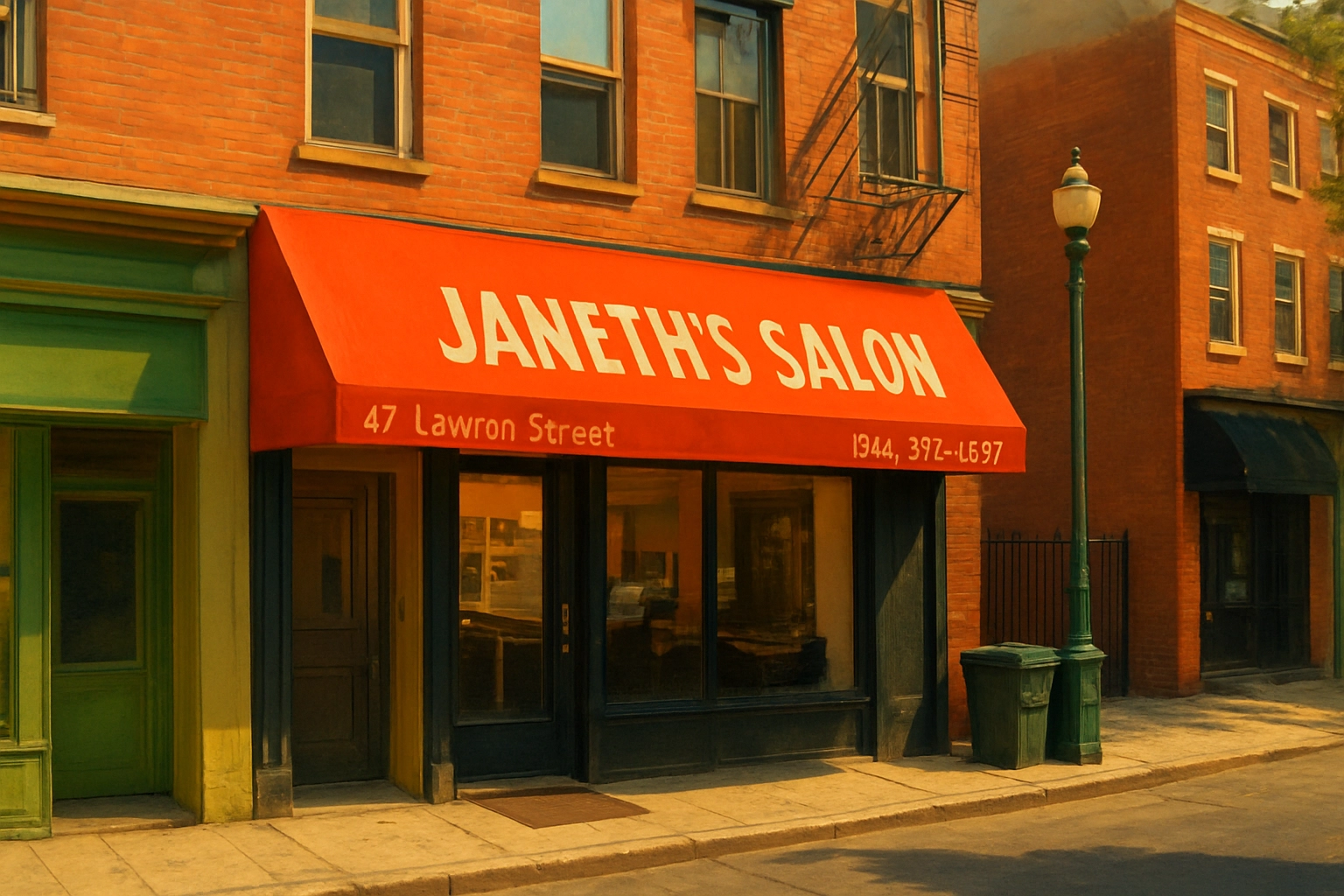
Site: www.janethsalon.com
When I set out to build a new website for a local hair salon, I knew it can not be something only visually appealing but I wanted it to be fast, accessible, and technically future proof. I built a custom block-ready WordPress theme from the ground up, tailored specifically for the salon’s needs. Along the way, I focused on performance optimizations that directly improve Core Web Vitals, such as inlining critical CSS, conditionally loading scripts, and implementing responsive image handling so browsers can serve the best size for each device. These enhancements not only improved the browsing experience across mobile and desktop but also helped the site consistently achieve 95+ scores across performance, accessibility, best practices, and SEO. To complement the theme, I also developed a custom plugin that introduces a dedicated price table block, complete with schema markup to boost search visibility. This case study explores how I implemented these solutions and the impact they had on both user experience and technical performance.
Image Optimization
For images, I focused on serving only what’s actually needed instead of letting WordPress generate and load a bunch of oversized files. I removed all image sizes that were larger than the content width since they would never be displayed at full size and only added unnecessary weight. For mobile devices, I relied on the thumbnail size (430px wide), which turned out to be a great fit for most smaller screens without compromising quality. On the performance side, I made sure posts preload the featured image since it’s always above the fold and critical for the first impression, while every other image on the page is set to load lazily. This way, users get a fast initial render, and additional images don’t slow down the experience until they’re actually needed.
In summary the following optimizations have been implemented:
- Limit to two sizes for the image block (desktop and mobile).
- Lazy load all image blocks.
- Featured image load eager, preload, and limit to two sizes too.
- Yoast SEO filter so it uses the original image for Open Graph data.
Custom Fonts
To reduce layout shifts caused by font loading, I implemented a font fallback for the primary typeface, Kanit. By defining a custom @font-face rule that maps to a local system font (in this case, Arial) and fine-tuning its size-adjust and ascent-override values, I was able to closely match the metrics of Kanit. This helps minimize the visual “jump” that happens while the custom font is loading. The adjustment ensures text stays stable during render, improving the overall perceived performance and reducing CLS (Cumulative Layout Shift) without needing to rely on heavier font-loading strategies.
WordPress Coding Standards
Throughout the build, I made sure all my PHP followed the WordPress Coding Standards to keep the codebase clean, consistent, and maintainable. I set up PHP_CodeSniffer with the WordPress ruleset to automatically detect any formatting or best practice issues as I worked. This helped catch small things like spacing, naming conventions, and escaping output early on, ensuring the theme and plugin code stayed in line with WordPress core standards. It’s a small step that pays off in the long run, especially when working on custom themes that might grow or be maintained by other developers later.
Conditionally Loading of Styles and Scripts
For styles and scripts, I set up a workflow that keeps things as lean as possible by loading assets only when they’re actually needed. Using Gulp, I generated multiple smaller CSS and JS files instead of a single large bundle. This way, each template or block can load just the assets it requires. To further boost performance, the most important CSS is inlined directly in the header as critical CSS, helping the page render faster and improving metrics like LCP (Largest Contentful Paint). The rest of the styles and scripts are enqueued conditionally, keeping the initial load lightweight while still delivering the necessary functionality when users interact with specific sections of the site.
Code: https://github.com/santiagocab/janeth-salon-theme